

We’ve built a plugin SYMBL that lets you find and copy any Unicode symbol or emoji in seconds. Now all 159,801 Unicode symbols are right at your fingertips, available directly from Figma.
Search and copy exactly what you need across the Unicode standard: emoji 🙂, arrows →, currency signs €, math operators √, punctuation marks !?, hearts ❤️, stars ✨, shapes ■, typographic symbols §, special characters ©, and more.
Perfect for designers, developers, writers, and anyone who needs symbols ready to copy & paste in seconds.
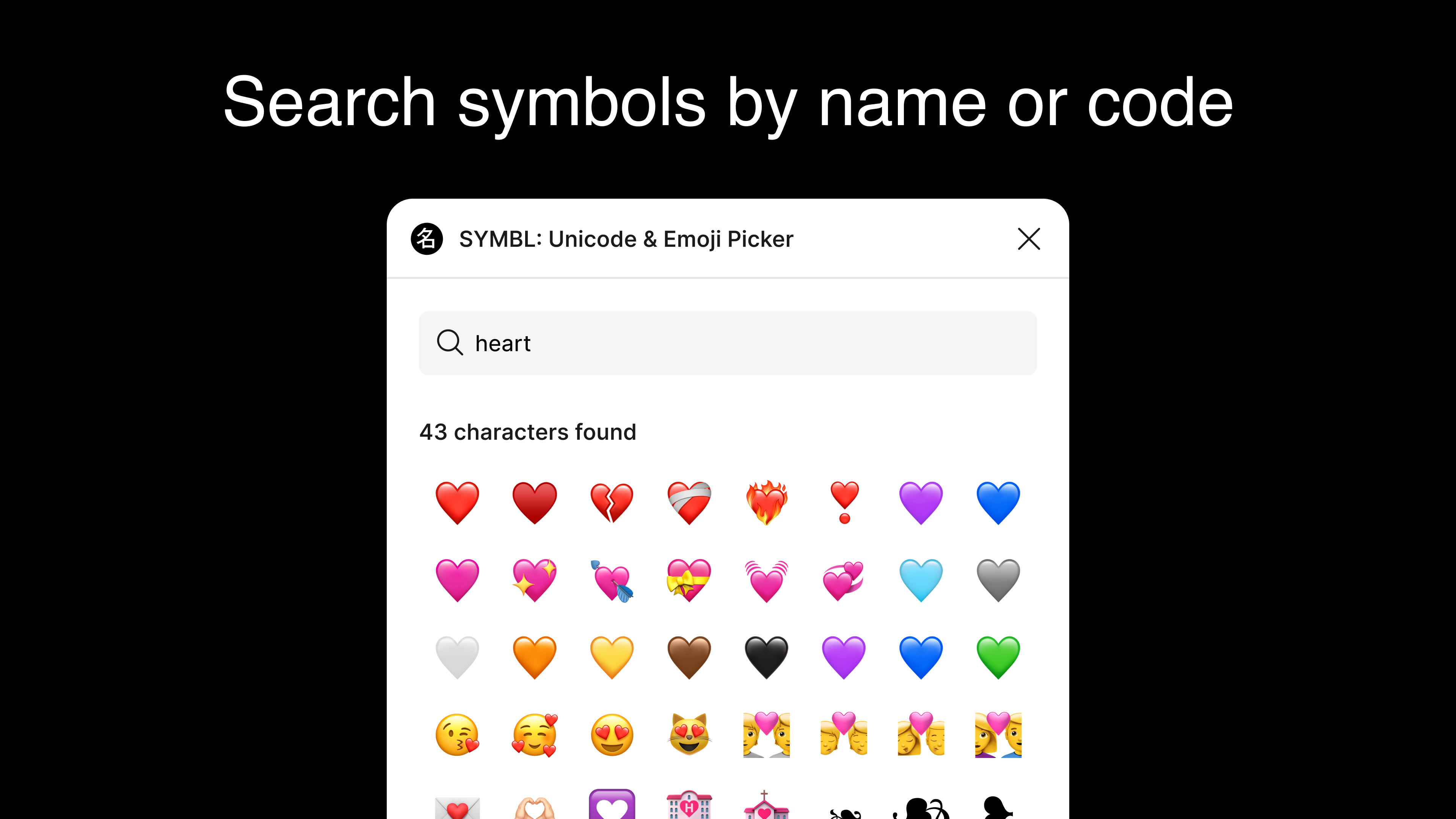
How to use ⚙️
- Open the plugin in your Figma file and search by name or code (e.g., heart, arrow, 1F49C, U+2192).
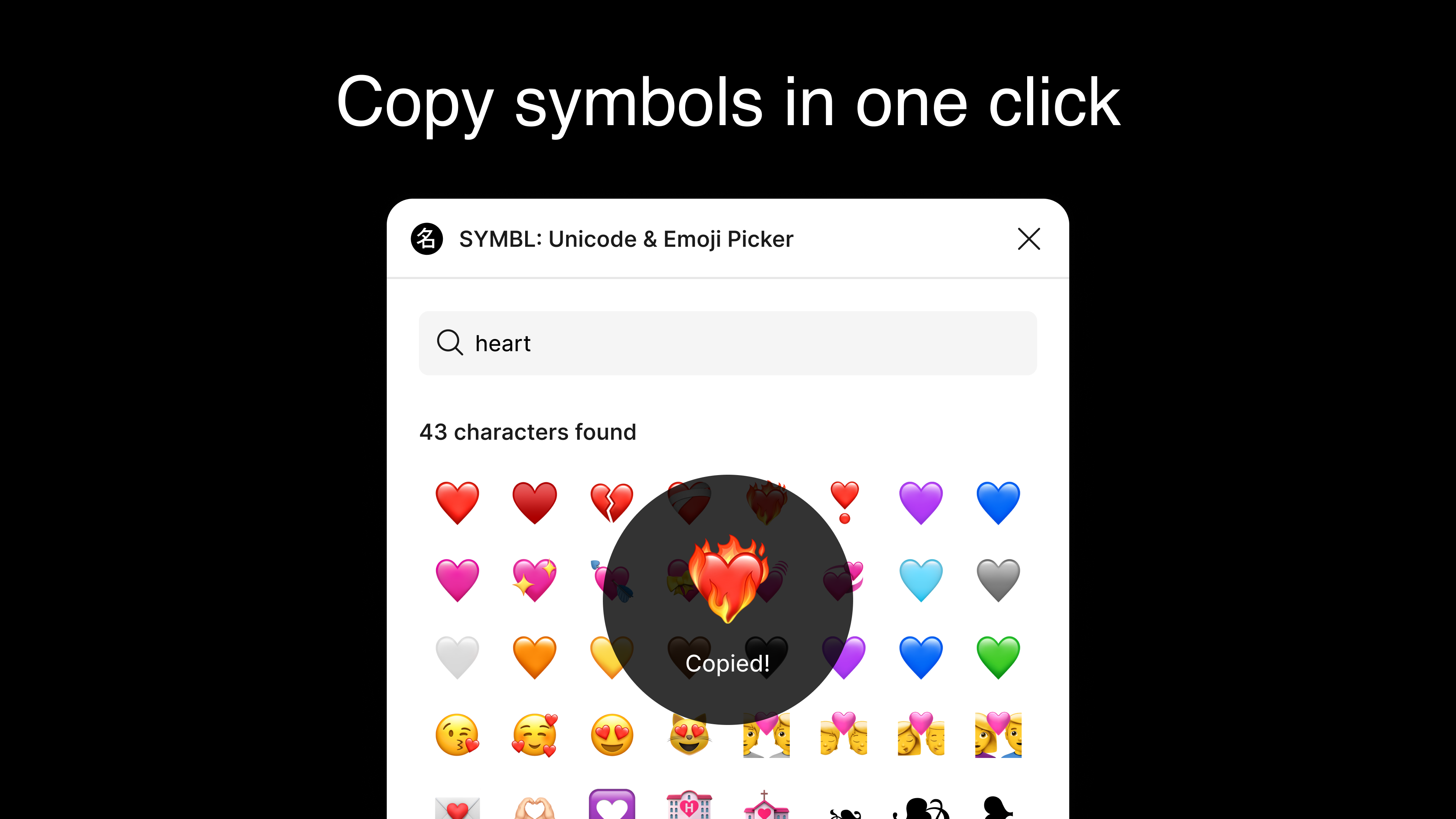
- Click a symbol to copy it to your clipboard.
- Paste anywhere with Cmd/Ctrl + V — in your design or wherever you need.
Key features ✨
- Instant search across the entire Unicode standard
- Find by name, keyword, or code (with or without U+)
- Search by partial words — no need to type the whole thing
- Browse popular symbols on the start screen
- Lightweight, focused interface — built for quick and easy copying
- Favorites and search history
- Symbol details: name, description, code point, HTML entities, UTF-8/UTF-16, etc.
- Collections, categories, and Unicode planes
- Multilingual search — find symbols in different languages
- Smarter relevance and suggestions in search
- …and more — stay tuned 🚀
- SYMBL plugin for Chrome ↗ Find and copy Unicode symbols directly from your browser.
- SYMBL app for Telegram ↗ Search and share symbols and emoji in your chats.
Roadmap 🛠️
Explore more SYMBL tools
Use SYMBL wherever you work: in your browser, in your designs, or in your messages.